Back to integrations
BrandMentions and Telegram integration
Save yourself the work of writing custom integrations for BrandMentions and Telegram and use n8n instead. Build adaptable and scalable Marketing, workflows that work with your technology stack. All within a building experience you will love.





How to connect BrandMentions and Telegram
Create a new workflow and add the first step
In n8n, click the "Add workflow" button in the Workflows tab to create a new workflow. Add the starting point – a trigger on when your workflow should run: an app event, a schedule, a webhook call, another workflow, an AI chat, or a manual trigger. Sometimes, the HTTP Request node might already serve as your starting point.

Build your own BrandMentions and Telegram integration
Create custom BrandMentions and Telegram workflows by choosing triggers and actions. Nodes come with global operations and settings, as well as app-specific parameters that can be configured. You can also use the HTTP Request node to query data from any app or service with a REST API.
Supported API Endpoints for BrandMentions
POST
Search mentions
Creates a search job that can be queried for results.
/command.php?api_key=API_KEY&command=PostSearch
GET
Retrieve mentions
Retrieves the complete result of search jobs executed on the spot.
/command.php?api_key=API_KEY&command=GetMentions
GET
List projects
Allows you to get the list of projects in the user's account.
/command.php?api_key=API_KEY&command=ListProjects
POST
Create project
Allows you to create a new project that is saved in the user account and processed daily.
&alert_frequency=day
DELETE
Delete project
This command allows you to delete a project.
/command.php?api_key=API_KEY&command=DeleteProject&project_id=1
GET
Get project mentions
This command allows you to retrieve all saved mentions of a project in a paginated manner.
https://api.brandmentions.com/command.php?api_key=API_KEY&command=GetProjectMentions&project_id=1&start_period=2019-03-15 15:37:22&end_period=2019-04-15 16:43:17&sources[]=web&sources[]=twitter&linked=0&countries[]=ALL
GET
Get project influencers
This command allows you to retrieve all influencers of a project in a paginated manner.
https://api.brandmentions.com/command.php?api_key=API_KEY&command=GetProjectInfluencers&project_id=1&start_period=2019-03-15 15:37:22&end_period=2019-04-15 16:43:17&sources[]=twitter
POST
Run project historical
This command allows you to run historical data retrieval for a project.
/command.php?api_key=API_KEY&command=RunProjectHistorical&project_id=1&period=3
GET
Get remaining credits
Allows you to get the number of credits left in the account.
/command.php?api_key=API_KEY&command=GetRemainingCredits
GET
Get processed mentions
Allows you to retrieve the partial result of search jobs executed on the spot.
/command.php?api_key=API_KEY&command=GetProcessedMentions&search_hash=3186302626
To set up BrandMentions integration, add the HTTP Request node to your workflow canvas and authenticate it using a generic authentication method. The HTTP Request node makes custom API calls to BrandMentions to query the data you need using the API endpoint URLs you provide.
See the example hereThese API endpoints were generated using n8n
n8n AI workflow transforms web scraping into an intelligent, AI-powered knowledge extraction system that uses vector embeddings to semantically analyze, chunk, store, and retrieve the most relevant API documentation from web pages. Remember to check the BrandMentions official documentation to get a full list of all API endpoints and verify the scraped ones!
Telegram supported actions
Get
Get up to date information about a chat
Get Administrators
Get the Administrators of a chat
Get Member
Get the member of a chat
Leave
Leave a group, supergroup or channel
Set Description
Set the description of a chat
Set Title
Set the title of a chat
Answer Query
Send answer to callback query sent from inline keyboard
Answer Inline Query
Send answer to callback query sent from inline bot
Get
Get a file
Delete Chat Message
Delete a chat message
Edit Message Text
Edit a text message
Pin Chat Message
Pin a chat message
Send Animation
Send an animated file
Send Audio
Send a audio file
Send Chat Action
Send a chat action
Send Document
Send a document
Send Location
Send a location
Send Media Group
Send group of photos or videos to album
Send Message
Send a text message
Send and Wait for Response
Send a message and wait for response
Send Photo
Send a photo
Send Sticker
Send a sticker
Send Video
Send a video
Unpin Chat Message
Unpin a chat message
BrandMentions and Telegram integration details
Other integrations with Telegram


BrandMentions and Telegram integration tutorials
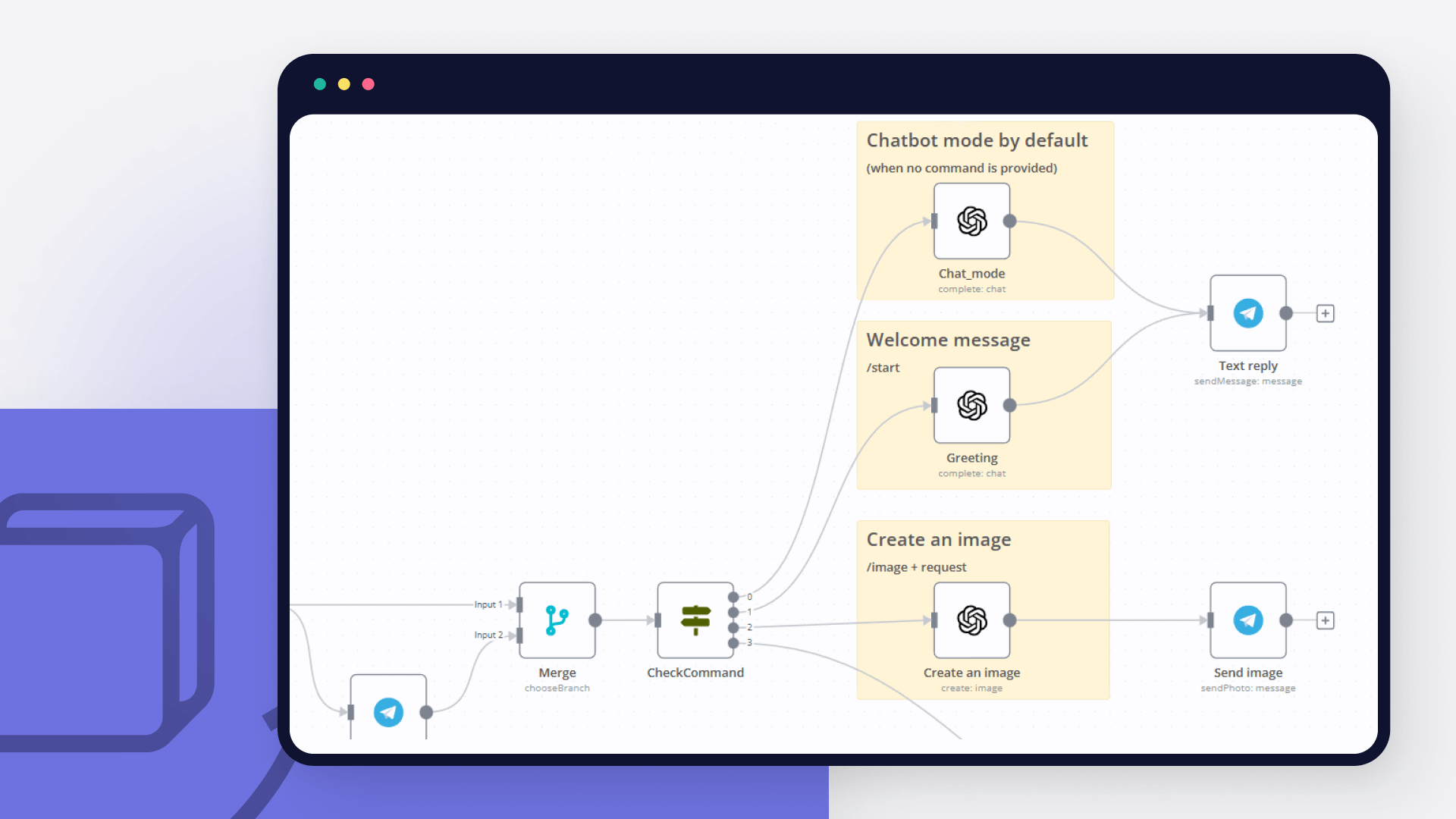
How to create an AI bot in Telegram
Learn how to create an AI chatbot for Telegram with our easy-to-follow guide. Ideal for users who are interested in exploring the realm of bot development without coding.
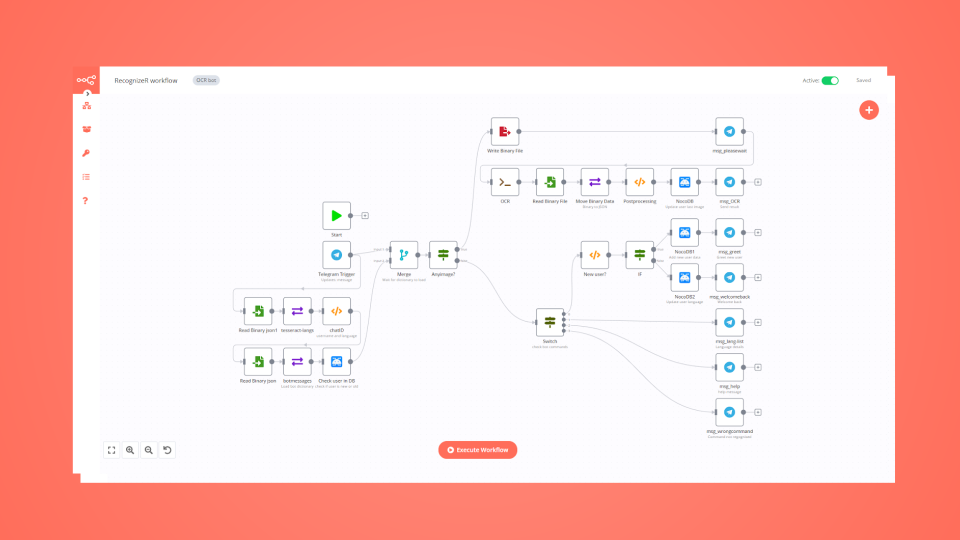
How to build a multilingual Telegram bot with low code
Learn how to build a multilingual bot for Telegram with a few lines of JavaScript code, a NocoDB database, and conditional logic in an automated workflow.
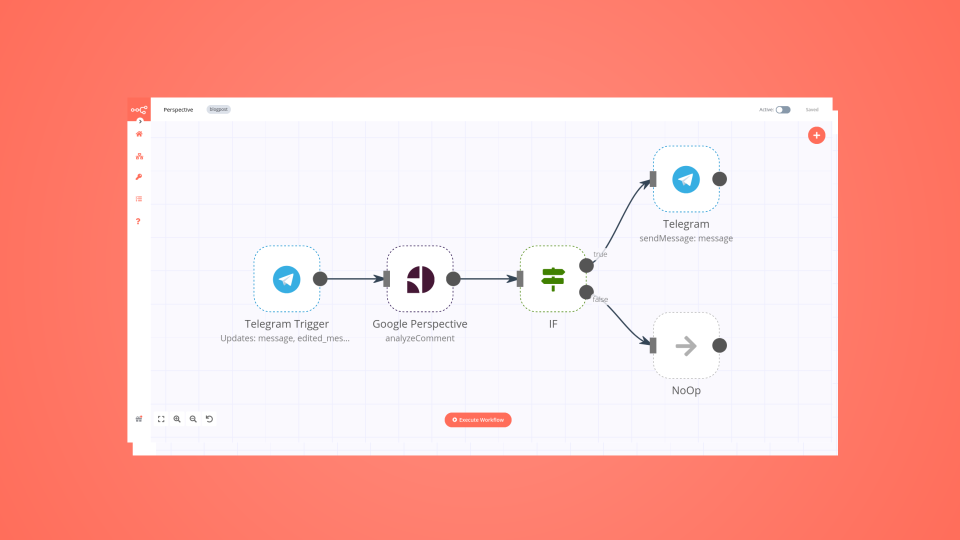
Create a toxic language detector for Telegram in 4 steps
Leverage the power of automation and machine learning to enable kinder online discussions.
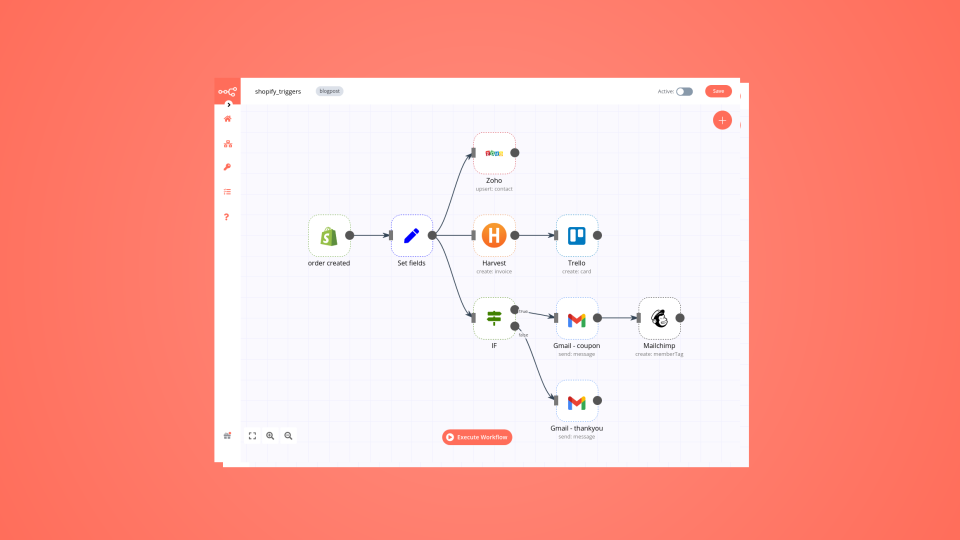
6 e-commerce workflows to power up your Shopify store
Want to power up your online business and win back time? Discover how no-code workflow automation can help!
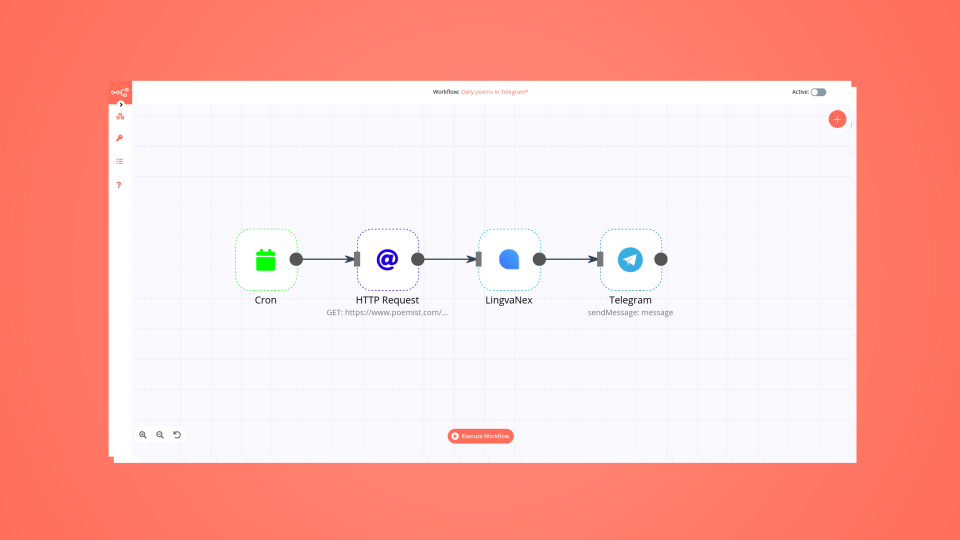
How to automate your reading habit just in time for World Poetry Day
Learn how to create a no-code workflow that gets international poems, translates them into one language, and sends you a poem in Telegram every day.

Using automation to boost productivity in the workplace
Instead of using IFTTT or Zapier, which can be pretty limiting on a free tier, I decided to try n8n, which is a fair-code licensed tool.
FAQs
FAQ
Can BrandMentions connect with Telegram?
Can I use BrandMentions’s API with n8n?
Can I use Telegram’s API with n8n?
Is n8n secure for integrating BrandMentions and Telegram?
How to get started with BrandMentions and Telegram integration in n8n.io?
Need help setting up your BrandMentions and Telegram integration?
Discover our latest community's recommendations and join the discussions about BrandMentions and Telegram integration.

The world's most popular workflow automation platform for technical teams including





Why use n8n to integrate BrandMentions with Telegram
Build complex workflows, really fast
